
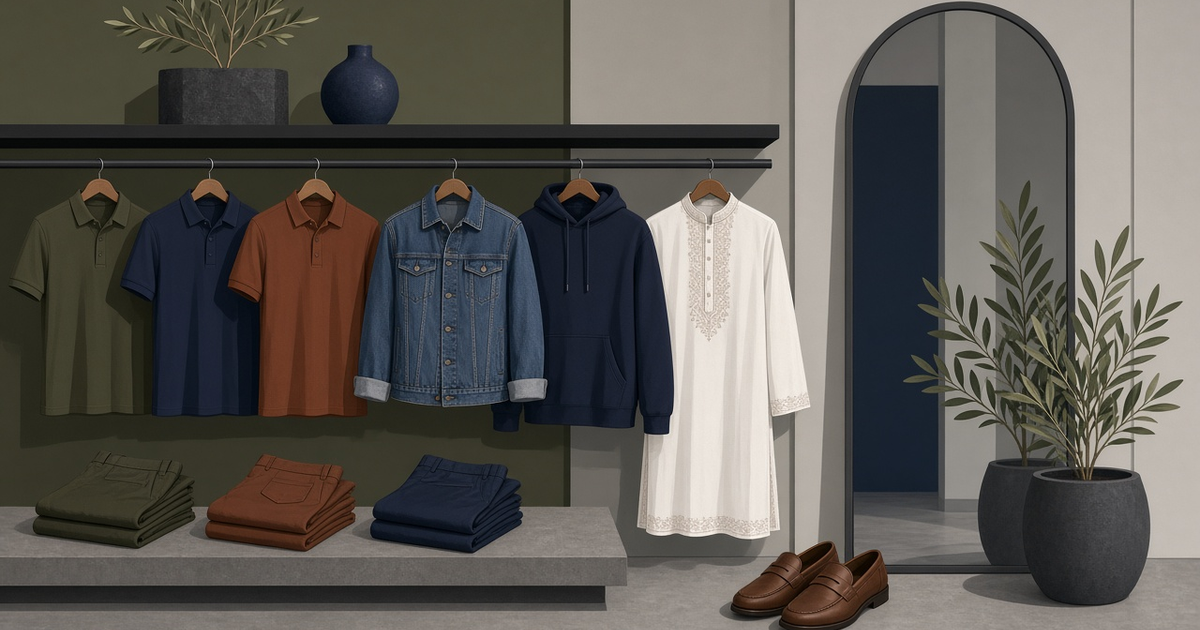
How to set up a menswear store with the Male Fashion theme on Multipurc: categories for shirts, panjabi and footwear, size variants, photos and seasonal banners.
Menswear is one of the busiest online categories in Bangladesh, from everyday T-shirts and polos to Eid panjabi and winter jackets. Male shoppers often know exactly what they want and dislike clutter. The Male Fashion theme on Multipurc is built for this audience. The theme gallery describes it as "Menswear • Editorial UI • D2C", and its official demo is in the theme gallery.
Male Fashion vs Default Storefront
Both themes suit men's clothing:
- Male Fashion: made for menswear, with an editorial look focused on the product.
- Default Storefront: a luxury, magazine-style layout that works for men's or women's premium fashion.
For a real example of a menswear catalogue, see Tarovane Menswear (https://tarovane-demo.inbd.store). This is a demo store built on the Default Storefront theme with 50 products, and its product photos are AI-generated. It is useful for seeing how a full menswear catalogue with categories and size options looks. Compare it with the official Male Fashion demo and choose the layout you prefer.
Step 1: Category structure for menswear
A clear structure that matches how men shop:
- T-Shirts
- Polo Shirts
- Casual Shirts
- Formal Shirts
- Panjabi
- Jeans
- Chinos & Trousers
- Jackets & Hoodies
- Footwear
- Accessories (belts, wallets, caps)
Create these in Catalog → Categories. If you are small, start with four or five and add more as stock grows.
Step 2: Sizes, colours and variants
Most menswear returns come from size problems. Set things up properly from day one:
- In Catalog → Attributes, create Size (S, M, L, XL, XXL; for trousers use waist sizes such as 30, 32, 34) and Colour.
- In the product editor, enable variants using those attributes.
- Set stock for each size-colour combination, so the store never sells a size you don't have.
- Check Catalog → Variants to review every SKU, its stock and price.
Add a size chart to each description in inches: chest, length, shoulder and sleeve for shirts; waist, length and thigh for trousers. One line such as "model is 5'10" and wearing L" saves many support messages.
Step 3: Photos that build confidence
- Flat-lay or on-hanger photos on a plain background for every product
- A fabric close-up (texture matters for shirts and panjabi)
- At least one worn photo if you can
- The same lighting and crop across the catalogue
If you use AI-generated or edited images anywhere, make sure the colour and fit match the real product. Customers return items that look different from the photo.
Step 4: Activate the theme
- Open Theme in the store admin sidebar.
- Preview Male Fashion and click Activate.
- Upload a wide banner in CMS → Banners (PNG, JPG or WEBP, up to 5 MB).
- Set your menu in CMS → Menus: New In, top categories, Track Order.
- Use Settings → Store for your logo, favicon, phone and address.
- Check the result on a phone.
Step 5: Seasonal planning for menswear in Bangladesh
The menswear calendar is predictable, so plan banners and stock ahead:
- Eid-ul-Fitr and Eid-ul-Adha: panjabi, sandals and attar. Stock up and photograph at least three to four weeks before Eid.
- Winter (November–February): jackets, hoodies, sweatshirts and full-sleeve tees.
- Summer: cotton shirts, polos and linen.
- Pohela Boishakh: red and white panjabi and fatua.
Change the homepage banner for each season. An out-of-date banner suggests a dormant shop.
Step 6: Pricing and offers
- Keep prices consistent between your Facebook page and your website.
- If you show a discount, make sure the original price is real.
- On Pro and Elite plans, the Marketing plugin adds coupons, flash sales, campaigns and gift cards. On Starter, customer groups (Customers → Groups) can still carry a simple percentage discount for regular buyers. Check the pricing page for what each plan includes.
Step 7: Orders, payment and delivery
- Cash on Delivery is ready out of the box.
- SSLCommerz can be configured for card and mobile banking payments.
- Set Shipping → Zones for inside and outside Dhaka.
- Connect Pathao, REDX or Steadfast in Shipping → Couriers.
- Call to confirm COD orders before shipping, as the Learning Center recommends.
Launch checklist
- [ ] 4–10 categories with products
- [ ] Size and Colour variants with stock per size
- [ ] Size chart in every description
- [ ] Return and exchange policy page (CMS → Pages)
- [ ] Seasonal banner
- [ ] Test COD order on mobile
Next step
Preview the Male Fashion theme in the theme gallery, look at the Tarovane demo to see a full catalogue (remember, it's a demo with AI-generated photos), then start your free trial.