
How to Start an Online Store in Bangladesh: Step-by-Step Guide
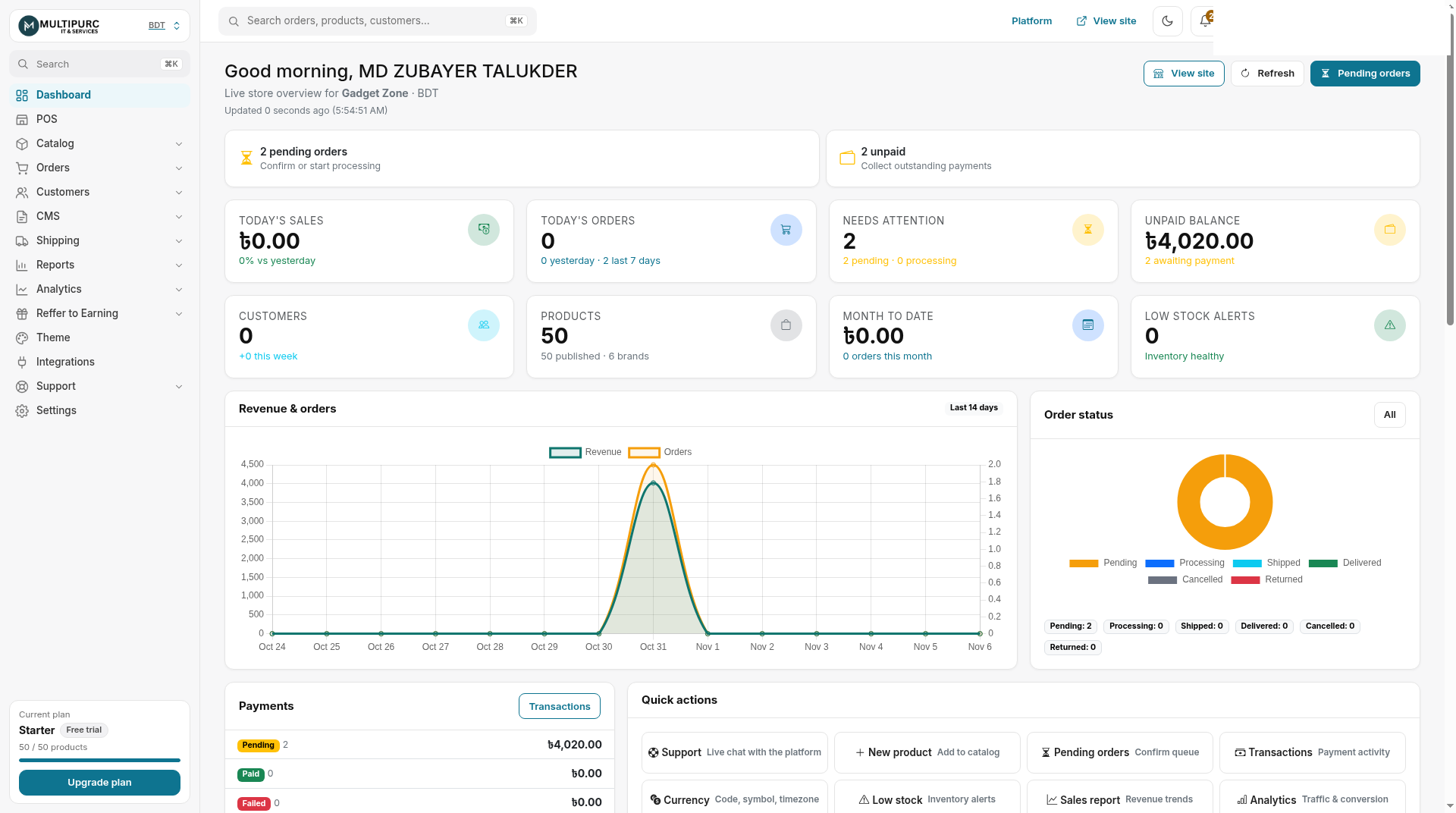
To start an online store in Bangladesh, create a store on a platform built for local selling, add your products, turn on Cash on Delivery and SSLCommerz, connect a courier, and publish. Multipurc lets you do all of this from one dashboard without a developer. The steps below use real screenshots from a Multipurc demo store.
Step 1: Create your store
Go to register your store, choose a store name and sign up. Plan prices change, so check the pricing page for current Starter, Pro and Elite prices and limits; it lists a 14-day free trial.
Step 2: Pick a theme
Choose a design from the theme gallery, then change banners, colours and announcement bars in the theme customizer without code.
Step 3: Add your products
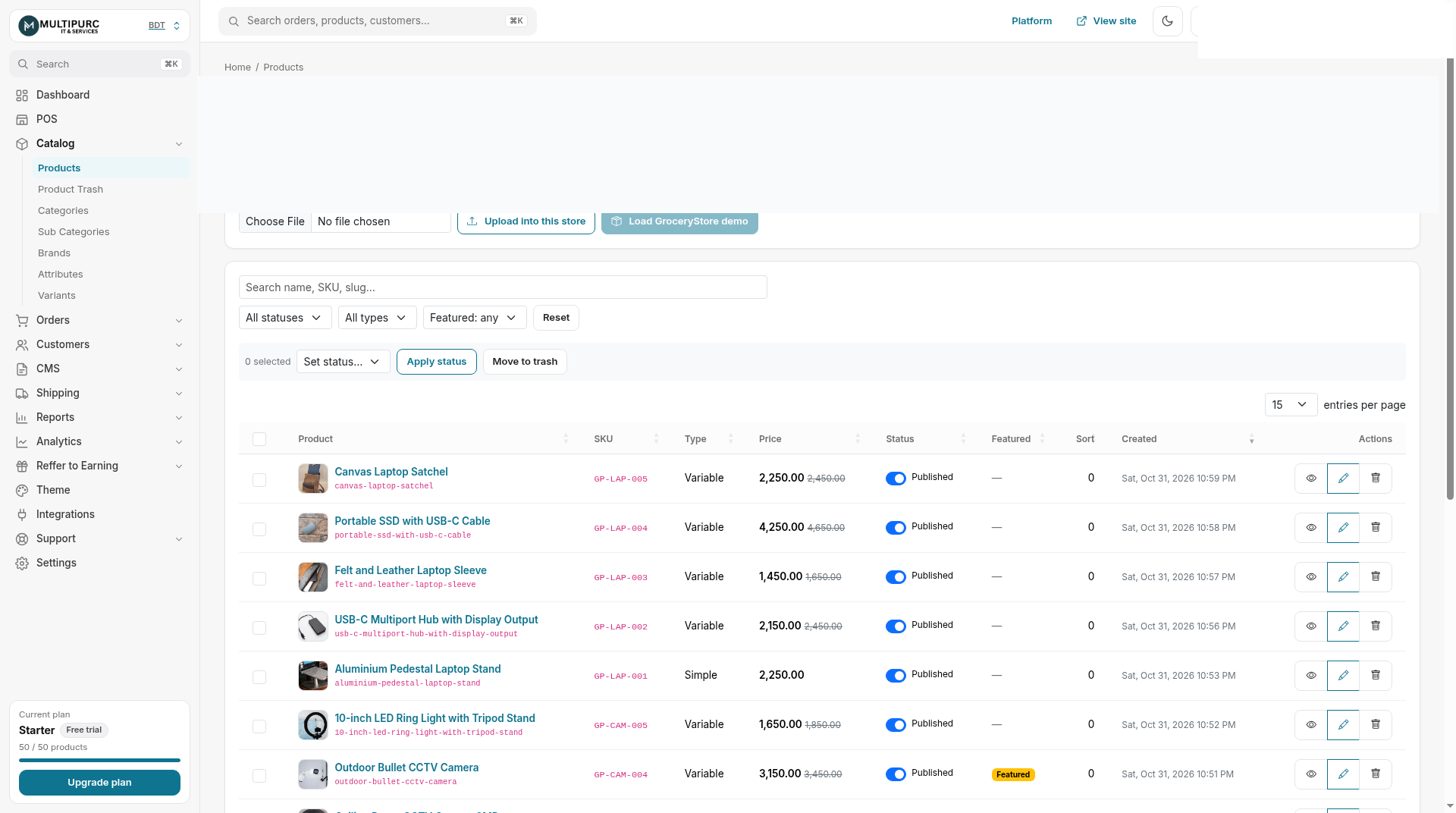
Add name, photos, price, SKU and stock for each product. Your products list shows everything in one place.
Step 4: Set up payments
Turn on Cash on Delivery (COD) and SSLCommerz for online card, mobile banking and internet banking payments. SSLCommerz needs business verification before live settlement, so start early. See the SSLCommerz setup guide.
Step 5: Set delivery zones and couriers
Create zones such as Inside Dhaka and Outside Dhaka, then connect Pathao, Steadfast or RedX.
Step 6: Launch and manage orders
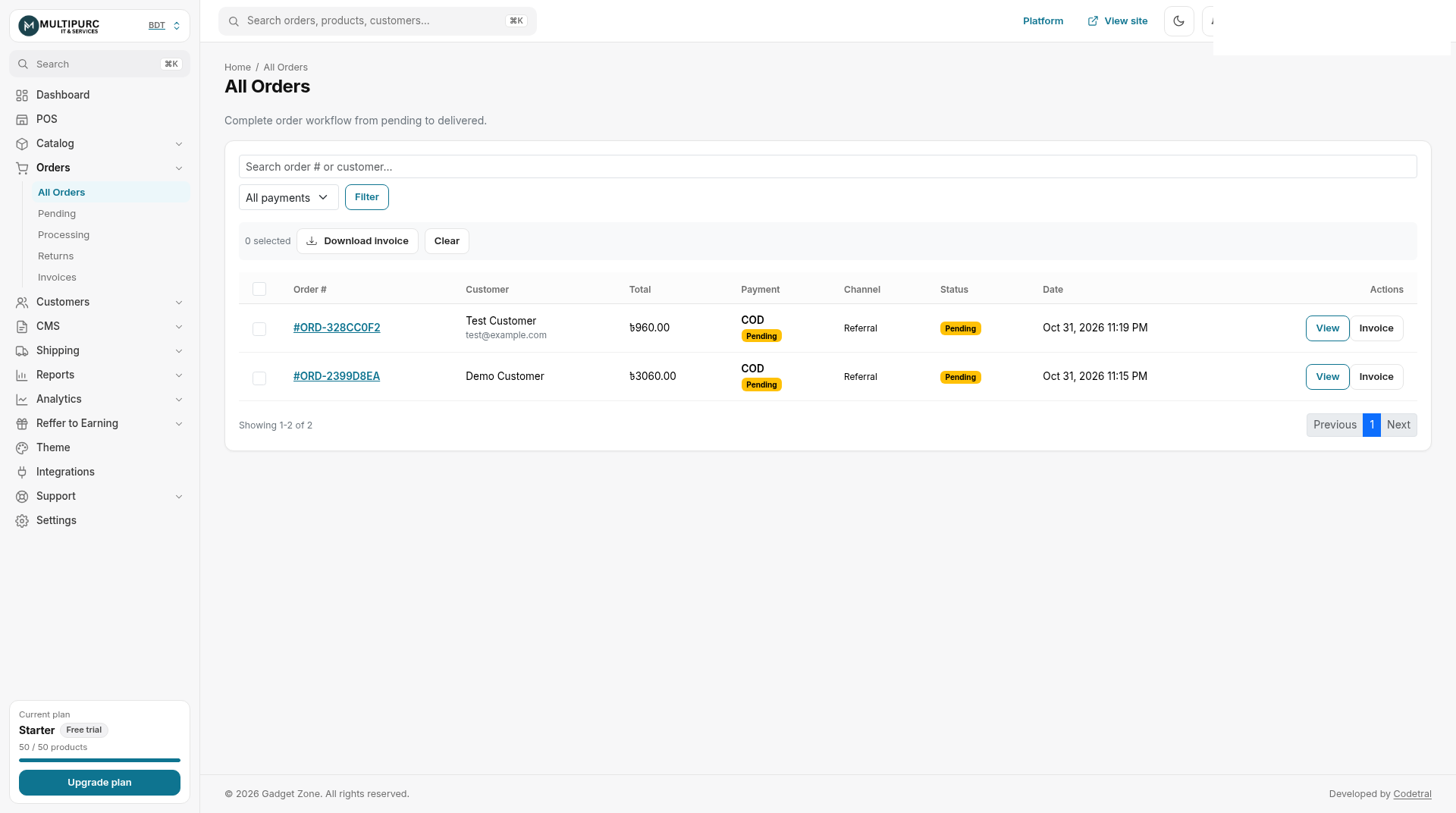
Publish your store, share the link on Facebook, and handle new orders from the Orders page.
Step 7: Get found on Google
Use the SEO tools for page titles, redirects and an XML sitemap, and verify your domain in Google Search Console.
FAQ
How long does it take to start an online store in Bangladesh?
It depends on how many products you have. The setup steps themselves can be done from the Multipurc dashboard without a developer.
Which payment methods can I accept?
On Multipurc: Cash on Delivery and SSLCommerz.
Do I need a trade licence?
SSLCommerz usually asks for business documents before live settlement. Check their current requirements.
How much does it cost?
See /pricing for current plans and the free trial.