
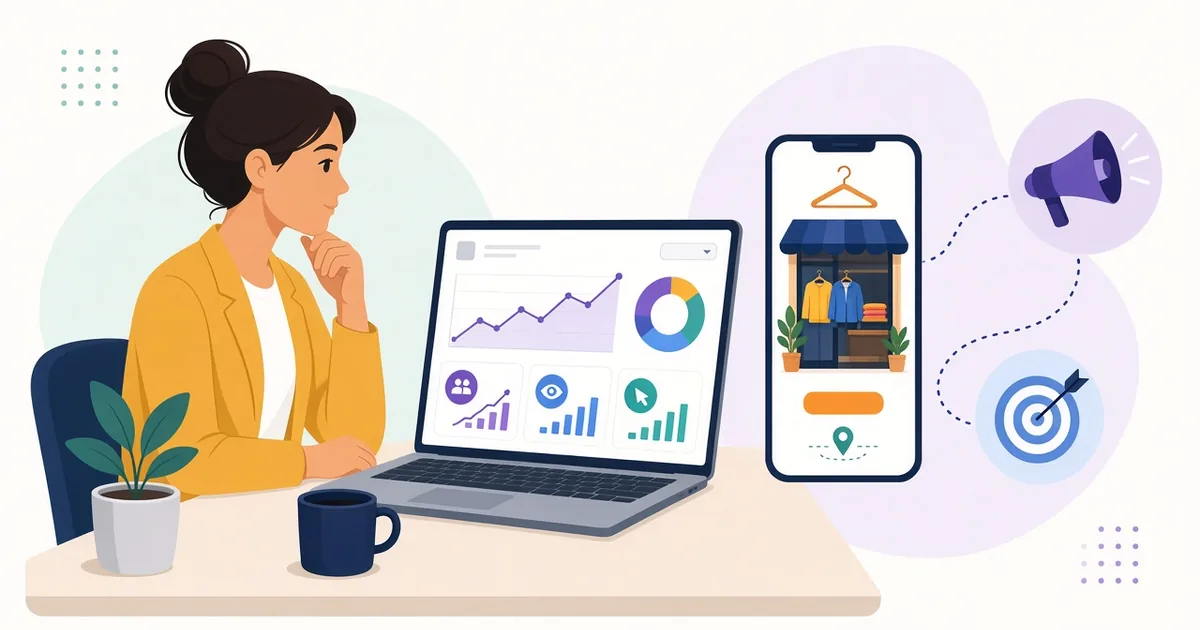
A practical guide to running Facebook ads that drive real orders to your Bangladeshi online shop, from Pixel setup to retargeting.
Facebook and Instagram are where a large share of Bangladeshi shoppers discover products. That makes Facebook ads for your online shop one of the most powerful growth tools available. But many sellers spend money on "boost post" without seeing real orders.
This guide shows how to run ads that send people to your website and turn them into customers.
Boosting Posts vs Running Real Campaigns
Boosting is quick, but it usually optimises for likes, comments or messages. If your goal is website sales, use Ads Manager and choose a sales or conversion objective. This lets Facebook find people more likely to buy, not just engage.
Step 1: Set Up Pixel and Conversions API
The Facebook Pixel is a piece of code that tracks actions on your website, such as viewing a product, adding to cart and purchasing. The Conversions API (CAPI) sends the same events from your server, which can improve tracking when browsers block cookies.
Together they help you:
- See which ads lead to purchases
- Optimise campaigns for sales
- Build retargeting and lookalike audiences
On Multipurc, Facebook Pixel and CAPI are available on the plugins page. Enter your Pixel ID and access token, then verify events in Events Manager.
Step 2: Prepare Your Website
Ads amplify what is already there. Before spending, make sure:
- Product pages load fast on mobile
- Photos are clear and prices are visible
- Delivery charges and time are shown
- Checkout offers COD, bKash and other options
- Contact details are easy to find
A mobile-friendly design from the theme gallery gives you a strong foundation.
Step 3: Understand Campaign Structure
- Campaign: where you choose the objective, such as Sales.
- Ad set: where you set audience, budget, schedule and placements.
- Ad: the creative – image or video, text and link.
Step 4: Choose Your Audiences
Cold audiences
People who have not heard of you. Target by location (for example, districts you deliver to), age and interests related to your products. Broad targeting can also work well once your Pixel has data.
Warm audiences
People who engaged with your page, watched videos or visited your website.
Retargeting
Show ads to people who viewed products or added to cart but did not buy. Retargeting often brings strong results because these people already showed interest.
Lookalike audiences
Once you have enough customers, create audiences similar to your buyers.
Step 5: Create Ads That Sell
Use video
Short videos showing the product in use, unboxing or close-up details often perform well. Keep the first few seconds attention-grabbing.
Write clear copy
State the benefit, the price or offer, delivery information and payment options. Bangla copy can connect strongly with local audiences; test both languages.
Strong call to action
Use "Shop Now" and link directly to the product page, not the homepage.
Show trust signals
Mention Cash on Delivery, return policy or real customer reviews.
Step 6: Set a Budget and Test
Start with a budget you can afford to learn with. Test a few creatives and audiences, give them enough time to gather data, then move budget towards what works. Avoid changing settings every few hours, as it can disrupt learning.
Step 7: Measure the Right Numbers
- Cost per purchase: how much you spend to get one order
- Return on ad spend: revenue compared with ad spend
- Add-to-cart rate: interest level in your products
- Delivered orders: with COD, count delivered orders, not just placed ones
An ad that brings many orders but many returns may be less profitable than it looks.
Common Mistakes
- Running ads without a Pixel installed
- Sending traffic to Messenger when your goal is website sales
- Using low-quality images
- Targeting areas you cannot deliver to
- Judging results too early
Combine Ads With SEO
Ads bring traffic immediately; SEO builds free traffic over time. Use both. The Learning Center covers marketing and SEO basics.
Example Campaign Setup for a New Shop
- Campaign 1 – Prospecting: Sales objective, broad audience in the districts you deliver to, two or three short product videos linking to product pages.
- Campaign 2 – Retargeting: people who viewed products or added to cart recently, showing the same products with a reminder of COD and delivery times.
- Review weekly: pause creatives with poor results, duplicate winners with fresh angles.
Creative Checklist
- Product clearly visible in the first seconds
- Vertical or square format for mobile feeds
- Captions or on-screen text for viewers watching without sound
- Price or offer stated clearly where appropriate
- Delivery and payment options mentioned
- Link goes directly to the matching product page
Example Ad Copy Structure
A simple structure works well: start with the problem or desire ("Tired of kurtis that shrink after one wash?"), introduce the product and its main benefit, add proof such as material details or genuine customer feedback, mention delivery and payment options, and finish with a clear call to action. Test a Bangla version and an English version to see which your audience responds to.
Retargeting Ideas for Online Shops
- Product viewers: show the exact products they viewed with a reminder of delivery options.
- Cart abandoners: highlight COD availability or a limited, genuine offer.
- Past customers: promote new arrivals or complementary products.
- Video viewers: people who watched most of a product video may be ready for a direct sales ad.
Optimising for Delivered Orders
With COD, an order placed is not the same as money received. Compare your ad results with delivered orders from your courier reports. If one audience brings many orders but many refusals, its real cost is higher than it appears. Shift budget towards audiences and creatives that bring orders customers actually accept. Confirming orders before shipping also helps keep your numbers honest.
Weekly Review Routine
Set aside time each week to check cost per delivered order, pause weak ads, refresh tired creatives and note which products attract the most interest. Small, regular adjustments usually work better than big, sudden changes.
Frequently Asked Questions
How much should I spend on Facebook ads?
There is no fixed amount. Start small, measure cost per delivered order and scale what is profitable.
Do I need a website for Facebook ads?
Not strictly, but a website with Pixel and CAPI allows sales optimisation, retargeting and better tracking.
How do I pay for Facebook ads from Bangladesh?
Payment options vary; many advertisers use international-enabled cards. Check Meta's current payment options for your account.
Turn Ad Clicks Into Orders
Create your Multipurc store, connect Pixel and CAPI, and start running ads that drive real sales.