
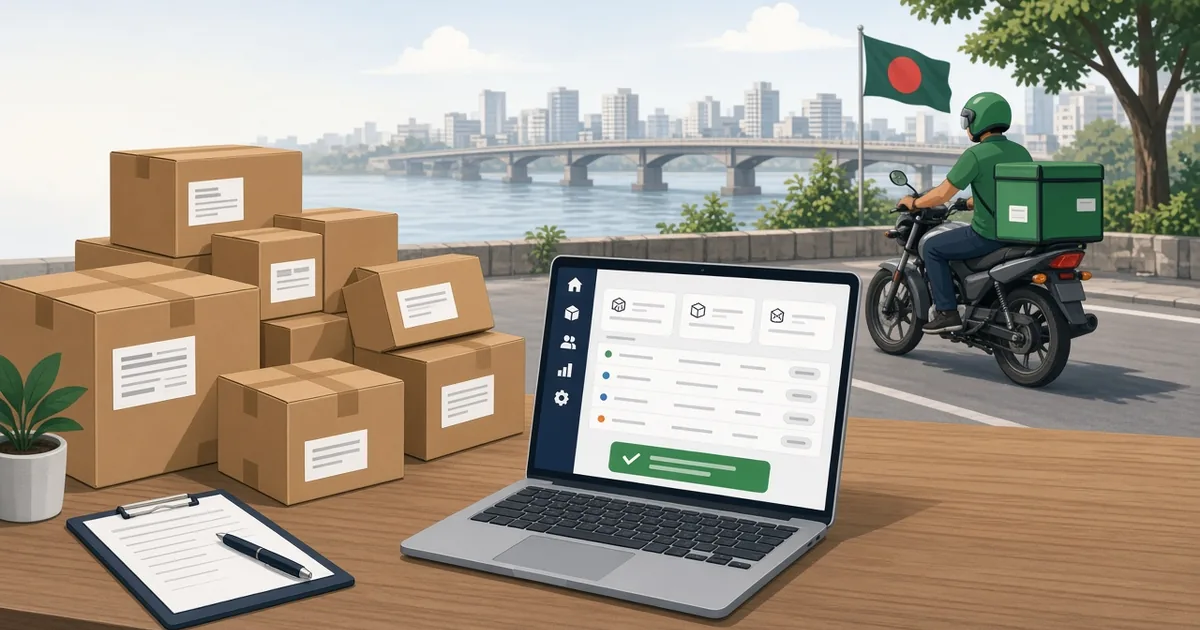
How courier integration with Pathao and Steadfast saves time, reduces errors and improves delivery for Bangladeshi online shops.
For online sellers in Bangladesh, delivery is where a sale is won or lost. You can have great products and ads, but if parcels are booked late, addresses are mistyped or customers cannot track their order, you will see complaints and returns.
Courier integration with Pathao and Steadfast connects your online store directly to your courier, so you can book deliveries, track parcels and manage COD from one place. Here is how it works and why it matters.
The Problem With Manual Courier Booking
Without integration, a typical workflow looks like this:
- Copy the customer's name, phone and address from the order
- Paste them into the courier's merchant panel
- Type the COD amount and parcel details
- Copy the tracking ID back into your records
- Check the courier panel repeatedly to update order status
With a handful of orders this is manageable. With dozens a day it becomes slow, tiring and error-prone. One wrong digit in a phone number or COD amount can mean a failed delivery or lost money.
What Courier Integration Does
- One-click booking: create a consignment directly from the order page.
- Automatic data transfer: customer details and COD amount are sent accurately.
- Tracking IDs saved automatically: no copying back and forth.
- Status updates: see delivery progress without switching panels.
- Bulk actions: where supported, handle several orders at once.
Pathao vs Steadfast: Choosing a Courier
Both are widely used by online sellers in Bangladesh. Rather than declaring one "better", consider what fits your business:
- Coverage: check which areas each courier serves well for your customers.
- Charges: compare current delivery rates for inside and outside Dhaka and for different weights.
- Settlement: ask how often COD money is paid to you.
- Pickup: confirm pickup availability from your location.
- Return handling: understand charges and timelines for returns.
Many sellers use more than one courier – for example, one for Dhaka and another for other districts. With integration, you can choose the right courier for each order.
How to Set Up Courier Integration on Multipurc
- Create your Multipurc store.
- Open a merchant account with Pathao and/or Steadfast.
- Get your API credentials from the courier's merchant panel.
- Go to the plugins page and enable the courier plugin.
- Enter your credentials and default pickup details.
- Book a test consignment to confirm everything works.
Step-by-step instructions are available in the Learning Center.
Best Practices for Smooth Deliveries
Collect complete addresses
Ask for area, road, house and a landmark at checkout. A clear address reduces failed deliveries.
Confirm before booking
Especially for COD orders, confirm with the customer before creating the consignment.
Pack properly
Use strong packaging and label parcels clearly. Fragile items need extra protection.
Share tracking
Send customers their tracking information so they know when to expect delivery.
Set realistic delivery times
Show estimated delivery times for inside and outside Dhaka on your site and keep them honest.
Reconciling COD Payments
When couriers collect cash, you need to check that every delivered parcel is paid. Integration makes it easier to match delivered orders with courier settlements, spot missing payments and track returns. Review settlements regularly rather than letting them pile up.
Delivery Experience as a Marketing Tool
Fast, reliable delivery leads to positive reviews and repeat orders. Add a thank-you card, follow up after delivery and ask for feedback. Combine this with a professional design from the theme gallery and your store will feel trustworthy from first click to doorstep.
Example: Before and After Integration
Imagine a shop processing a busy day of orders. Without integration, someone spends a large part of the morning copying details into the courier panel, then more time later updating statuses and answering "where is my parcel?" messages. With integration, the same person reviews confirmed orders, books them with a click each, and tracking IDs and statuses update automatically. The time saved can go into packing faster, replying to customers or creating content.
Packaging Checklist
- Right-sized box or poly mailer for the product
- Bubble wrap or padding for fragile items
- Waterproof outer layer during the rainy season
- Invoice and thank-you card inside
- Courier label clearly visible and not covering seams
- Phone number legible on the label
Handling Failed Deliveries
Failed deliveries happen. When a parcel is marked failed or on hold, contact the customer quickly to reschedule, confirm the address and check they still want the item. Keep notes on why deliveries fail – wrong address, customer unreachable, refused – so you can improve checkout fields or confirmation steps. Review return reasons regularly with your courier to spot patterns by area or product.
Common Mistakes
- Booking before confirming COD orders
- Using the wrong weight or COD amount
- Not checking settlement reports regularly
- Promising delivery times that the courier cannot meet in certain areas
Choosing Couriers by Area
Delivery performance can differ by location. Track delivery success and average delivery time by district for each courier you use. After a few weeks, you may notice one courier performs better in Dhaka while another suits certain outside areas. With integration, you can simply pick the better option per order. Review these patterns every few months, as coverage and service levels change.
Communicating With Customers About Delivery
- Show estimated delivery times on product pages and at checkout
- Send a message when the parcel is handed to the courier, with the tracking ID
- Remind COD customers of the amount to keep ready
- Follow up after delivery to ask whether everything arrived in good condition
Proactive communication reduces "where is my order?" messages and makes customers feel looked after, which is especially important for new shops building trust.
Scaling Up
As order volume grows, consider a dedicated packing area, a daily cut-off time for same-day pickup, and clear roles for confirming, packing and booking. Integration makes these workflows smoother because everyone works from the same order dashboard.
Frequently Asked Questions
Do I need separate accounts with Pathao and Steadfast?
Yes. You need a merchant account with each courier you want to use, then connect it to your store.
Can I use both couriers on one store?
Yes. You can enable more than one courier and choose per order.
Does integration change courier charges?
Delivery charges are set by the courier. Integration saves you time and reduces errors.
Make Delivery Effortless
Spend less time copying addresses and more time growing. Start your Multipurc store and connect Pathao and Steadfast in minutes.